

Introduction.
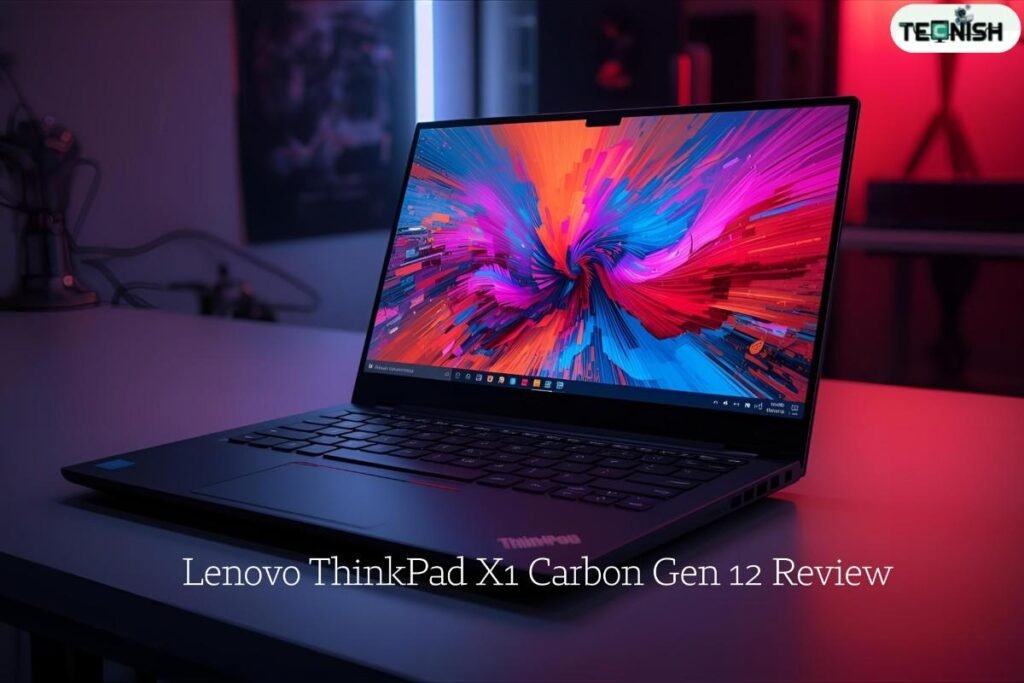
Lenovo ThinkPad X1 Carbon Gen 12 Review Hey there! Imagine a super light, super smart laptop that you can carry to school, the library, or even a café-and it still performs like a boss. That’s pretty much the idea behind the Lenovo ThinkPad X1 Carbon Gen 12. This is the twelfth generation of its family (so lots of history behind it) and it is made especially for people who want a top-level machine for doing lots of things: studying, working, creating, browsing, streaming, and more.
Lenovo says this model is the first laptop with the new Intel Core Ultra series processors inside. That means it has new chips which are designed to be smart, fast, and efficient. The idea: get strong performance without making the laptop bulky or heavy. And that’s one of the shinier promises of this laptop.
Because I’m writing this for a younger audience, I’ll stick to simple words and fun comparisons. Think of this laptop like a superhero backpack—light enough to carry easily, but with gadgets and power hidden inside so you can do amazing things.
Upgraded design & build – How it looks and feels, Lenovo ThinkPad X1 Carbon Gen 12 Review.
Lightweight and strong materials Lenovo
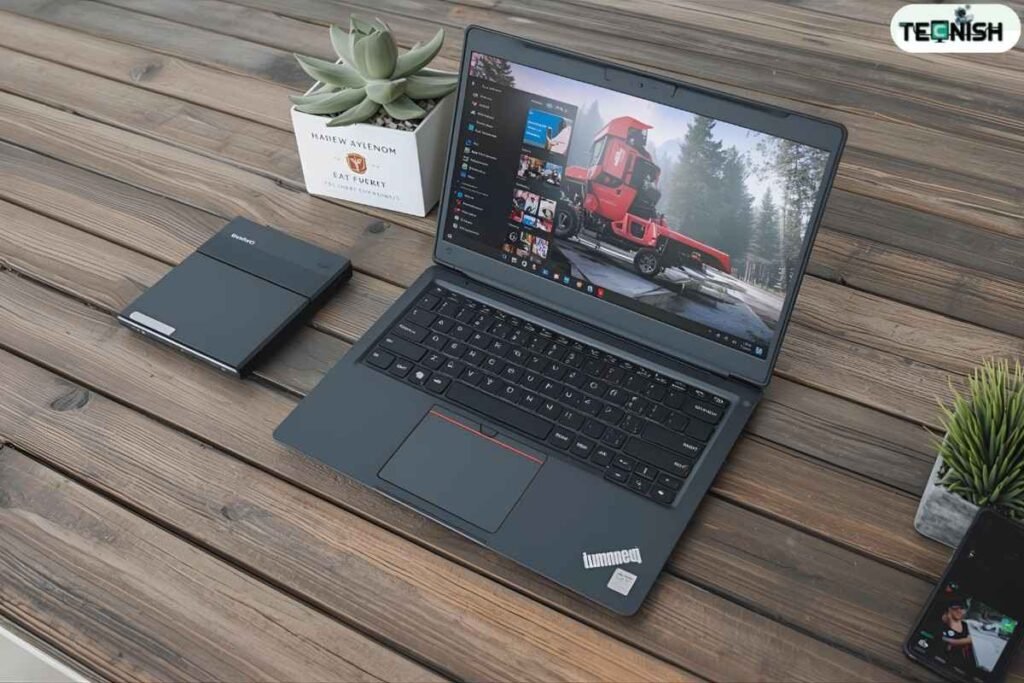
One of the first things you’ll notice is how light the ThinkPad X1 Carbon Gen 12 is. It weighs around 1.24 kg (2.72 lbs) in one configuration. For a 14-inch laptop that’s pretty impressive-meaning you can carry it in a backpack without feeling like you’re hauling bricks.
Lenovo also used special materials to make it strong. The body is built with carbon-fibre and magnesium that’s partly recycled. That means: it’s tough, but still feel nice under your palms. If you imagine carrying a heavy textbook versus a thin notebook-you’ll feel the difference.
The design is sleek and professional: the classic black “ThinkPad look” but a little refined. The lid has a notch (a little mouth-like bit at the top) so you can open it easily. That little bump helps you open the laptop with one finger. It might look a bit odd, but it’s handy.
Because it’s lightweight and strong, it’s built for people who move around a lot-students, commuters, travellers. If you’re always going between class, home, and your friend’s place-this kind of laptop makes sense.
Keyboard, touchpad & typing experience
If you like typing, here’s good news: the ThinkPad line has always been famous for its keyboard, and Gen 12 keeps that up. Reviewers say the typing feel is “sheer joy” with good spacing, nice key travel (when keys go down and bounce back) and low resistance so your fingers don’t get tired.
There’s also a “red ThinkPoint” joystick thing in the middle of the keyboard (a weird little red dot) which is a hallmark of ThinkPads—helps you move the cursor without using the trackpad. Some people love it, some find it odd. In this model, there’s also a redesigned fingerprint reader and tactile markings to help your fingers find the home row without looking.
However: some reviews found that the touchpad (the area you slide your finger to move the cursor) is a bit small and sometimes not super quick. So if you really depend on big trackpads (especially for graphic design or creatives), you might notice that.
Still, for regular use—typing essays, writing notes, browsing the web—the keyboard and typing feel are outstanding. If your fingers were superheroes, this keyboard would be their training ground.
Display and screen – What you see Lenovo
Screen size, resolution & options
The ThinkPad X1 Carbon Gen 12 comes with a 14-inch display, with a 16:10 aspect ratio (which means the screen is a bit taller than wide compared to old laptops). You get options here: some versions have an IPS panel (traditional LCD) and some versions have a fancy OLED screen with higher refresh rate (120 Hz) and sharper resolution.
For example: the standard model had a 1920 × 1200 pixel IPS display in one test. The OLED versions go up to something like 2880 × 1800 resolution (depending on config).
How good it is for watching, gaming or studying
If you like watching videos, editing photos, or playing games (even lightly), a better screen matters. The OLED option shines (literally): better colors, deeper blacks, and smoother motion when the refresh rate is high. Reviewers say the display is a “key selling point” in this model.
That said: the standard IPS version isn’t bad—it’s solid, but not mind-blowing. One review said the version they tested only reached ~317 cd/m² of brightness (which is okay, but not super bright for outdoor use). Meaning: if you like working in bright rooms or outside, you might want the brighter or OLED variant.
For schoolwork and daily use—watching YouTube, writing assignments, reading ebooks—this screen will do great. But if you’re planning heavy creative work (like professional photo editing) or gaming, you might want to go with the upgraded display version.
Performance – What it can do Lenovo
Processor, memory, storage
Inside the laptop you’ll find the latest chips from Intel (the Core Ultra series), meaning it’s built with future-proof tech in mind.For example, one review configuration had an Intel Core Ultra 5 135U chip, 32 GB of RAM, and a 512 GB SSD.
The specs sheet from Lenovo confirms that you can get up to 2 TB of SSD storage in some configurations.So if you’re storing lots of videos, games, or big projects, there’s room.
Memory (RAM) and SSD mean the laptop wakes up fast, loads applications quickly, and handles many tasks at once without slowing down. It’s like having lots of drawers open in your room—you can juggle more things at the same time.
Real-life speed and gaming/graphics limitations
In real-world tests: the performance is very good for everyday work (writing, browsing, spreadsheets). One review gave it a “single-thread” score in benchmark testing that matched more premium chips.
However—and this is important—the laptop doesn’t have a powerful dedicated graphics card (GPU) in many configurations. That means if you want to run super-heavy games or 3D modelling, it might struggle compared to gaming laptops. One review noted the “multi-thread performance” (lots of tasks at once) lagged behind some competitors.
In simpler words: For homework, streaming, browsing, and regular school tasks it’s more than enough. For serious gaming or video editing? Maybe not the best pick. If your needs are lighter (which for many kids and students they are), this machine is a strong performer.
Battery life & portability – On the go Lenovo ThinkPad X1 Carbon Gen 12
How long it lasts
Because the laptop is light and portable, it’s perfect for taking around school, to cafés, or just across the house. But how long will the battery last? That’s always one of the most important questions.
In tests: one review showed about 10 hours 29 minutes of battery life. Another said “just under nine hours” on a video test. So you could likely get through a school day, maybe less if you use it a lot (like for gaming or high brightness).
If you’re doing light tasks (web browsing, typing, note-taking) with careful settings (lower brightness, maybe not super high refresh rate), you might stretch it further. One Reddit user said they got about 8-10 hours in everyday use.
Travel, school, café usage
Because the laptop is light and small, it’s very travel-friendly. You could toss it in your backpack with no trouble. The strong build materials also mean it’s reasonably durable. That makes it ideal for students who move between classes, libraries, labs, and homes.
If you use it in a café or on a bus, backpacking, or travel—just make sure you have access to a charger at some point, because while the battery is good, it’s not “2 full days” in heavy use.
So: Best practice? Use moderate screen brightness, maybe 60-70%, and enjoy it. If you turn the brightness up high or use the 120 Hz screen variant, battery will drain faster.
Ports & extras – What’s connected Lenovo ThinkPad X1 Carbon Gen 12 Review

Ports you’ll find
Connectivity matters because you’ll plug in stuff—USB drives, displays, headphones, chargers. The ThinkPad X1 Carbon Gen 12 has quite a decent set: two USB-C (Thunderbolt) ports, two USB-A ports (for older devices), an HDMI port, a headphone jack, and sometimes a SIM slot (for mobile internet).
That’s pretty good. It means you’re not limited to just modern USB-C everything (though you will have to use USB-C for some things). Because the HDMI port helps you plug into a TV or projector.
Security & cool features (AI, webcam, etc.)
Beyond just putting ports, Lenovo added some extra things: a fingerprint reader (so you can log in fast), a privacy shutter for the webcam (cover it when you don’t want camera on), and built-in AI features via the NPU (neural processing unit) to help with tasks like “Studio Effects” (background blur in video calls) and other smart features.
Also: the materials use recycled parts, making it a more environmentally friendly machine.
All of this makes it feel higher end—not just “a laptop” but “a well-designed tool” for doing work and being on the move.
Pros & cons – What’s great, what’s less great
Let’s make a clear list so you can quickly see the good and the not-so-good.
Pros:
- Very light and portable, so easy to carry around.
- Strong build-quality: good materials, durable.
- Excellent keyboard and typing feel.
- Good performance for everyday tasks (web, study, office work).
- Good screen options (especially the upgraded OLED).
- Plentiful ports and extra features (security, recycled materials).
Cons:
- Quite expensive compared to some alternatives.
- Battery life is good, but not outstanding compared to best-in-class.
- The standard screen version (non-OLED) is okay, but doesn’t “wow” as much.
- If you want heavy gaming or intense graphics work, you might be limited (no high-end discrete graphics).
So: Basically, if you pick the upgraded version (OLED screen, maybe higher chip), you get more “wow” but you’ll pay more. If you pick a base version, you get a great laptop but with fewer extras.
Who is this laptop for?
Now, who should consider buying this? Let’s think of different types of users:
- Students: Especially older students (high school or college) who need a laptop for study, note taking, projects, maybe some light coding. They move a lot, carry it around, and want something reliable. This laptop is great for that—if you’re okay with the price.
- Young creators: If you do video editing or photo work, you can use it, but you might want the OLED version or something with better graphics.
- Mobile professionals (or young-professional in training): If you travel between offices, meetings, work remotely, this is very appealing.
- Everyday users: If you just want a laptop that “works really well” and you’ll keep it for a few years, this is a good buy—though you’ll pay some premium.
- Gamers or heavy 3D workers: Probably not the best fit. You’ll get good performance, but not elite graphics power.
So: If you’re a kid or student whose main uses are browsing, streaming, homework, maybe some light creative fun—this laptop is very good. Just keep your budget in mind.
Should you buy it? My verdict
Here’s how I’d put it: If I were choosing a laptop for myself (or for someone younger who needs something reliable, light, and long-lasting), the ThinkPad X1 Carbon Gen 12 is one of the best choices.
It stands out in build quality, portability, and everyday usability. If you pick the right version (maybe with the better screen), you’ll have a machine that lasts you years.
However: because of its price, you might want to compare with other laptops which cost less and may meet your needs fully. If you don’t need the absolute lightest weight or the latest chip, maybe you can trade off a little and save money.
If you have the budget, yes—I’d say go for it. If you’re studying, moving around, want something that feels “premium” and built to last—this is it. If you’re budget-conscious and just want the basics (web, streaming, homework) maybe you can find a laptop that fits a bit better for less.
Conclusion
To wrap up: The Lenovo ThinkPad X1 Carbon Gen 12 is a sleek, premium laptop that mixes style, performance, and portability in a way that many users will love. If you’re someone who carries your laptop a lot, wants something durable, types a lot, and wants good screen options—this is a strong pick.
It’s not perfect (battery life could be even better, price is high, graphics aren’t ultra-gaming grade) but it checks most of the right boxes for a modern, high-end ultrabook. For students especially who want more than a basic machine, and for anyone who values quality, it’s worth serious consideration.
FAQs
Q1: Is the ThinkPad X1 Carbon Gen 12 good for gaming?
A: It can handle casual games and older games fine, but it doesn’t have a super strong dedicated graphics card for the latest AAA games at high settings. If gaming is your main thing, you might pick a gaming-laptop instead.
Q2: How long will the battery last if I use it for school all day?
A: With moderate use (typing, web browsing, video streaming) you should get around 8-10 hours in many cases. But if you push it (bright screen, heavy tasks), it may be less.
Q3: Can I upgrade the memory or storage later on this laptop?
A: Storage (SSD) in many models is upgradable (some support up to 2 TB). But memory (RAM) in ultrabooks like this is often soldered (built-in) and not easily upgraded, so pick enough RAM when you buy. Specs sheet shows up to 2 TB SSD support.
Q4: Is it worth paying for the OLED screen version?
A: If you watch a lot of videos, do creative work (photo/video editing), or just love a super premium screen, yes the OLED is worth it. If you mostly do school work and basic tasks, the standard screen still works well.
Q5: Will this laptop last me many years?
A: Yes—because of its strong build, high-end parts, and premium design, it’s a good “buy and hold” laptop. If you take care of it, it should serve you well for 3–5+ years or more.