

Redmond, Washington, October 16, 2025: Microsoft has officially rolled out its latest Windows 11 AI update, introducing advanced tools that make Copilot in Windows 11 smarter, faster, and more integrated across the system. The company says this marks a new phase in its mission to make AI in Windows 11 a seamless part of the user experience.
The release, titled Microsoft Windows 11 October 2025 update, reinforces Microsoft’s vision to deliver a more intuitive and personalized computing environment powered by artificial intelligence. Learn more about the update on Tecnish.
Copilot Gets Smarter and More Connected
The new Microsoft Copilot update introduces an upgraded Windows 11 AI-powered assistant that can now understand on-screen content, anticipate user needs, and perform tasks across applications.
Users can activate Copilot hands-free with the command “Hey Copilot”, allowing instant assistance in drafting emails, summarizing documents, or changing system settings , all through natural voice or text input.
The Windows 11 Copilot features now include Copilot Vision, a system that interprets what’s on your screen and offers contextual actions, making multitasking faster and smarter.
“With this update, Copilot becomes an essential part of Windows,” said a Microsoft spokesperson. “We’re bringing AI to everyone , from professionals managing daily tasks to students and creators looking to boost productivity.”
Check more about AI in Windows 11 on our Tech Blogs section.
Key AI Features in the New Windows 11 Update
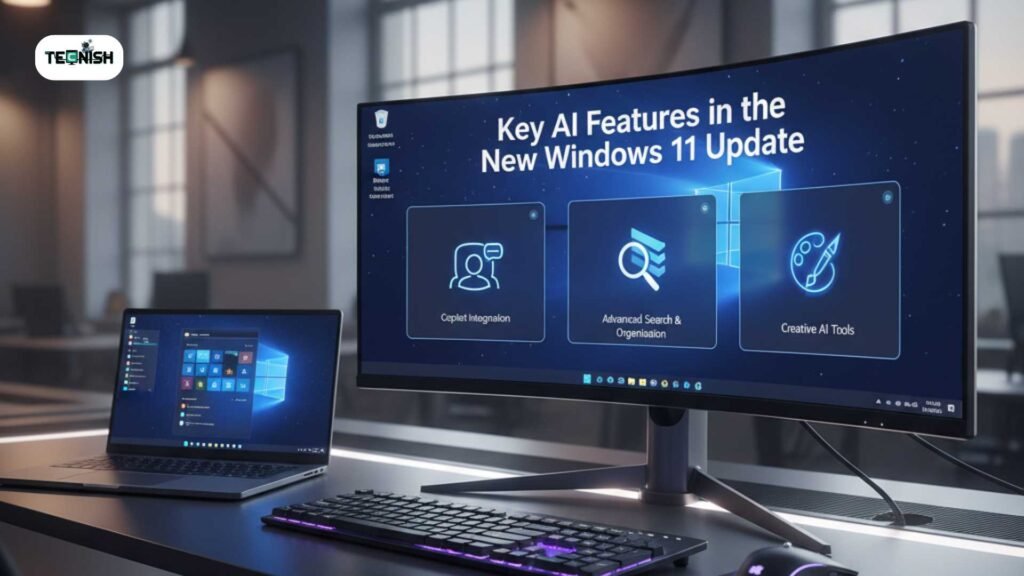
Microsoft says the latest Windows 11 new features 2025 are designed to enhance both convenience and creativity. Some highlights include:
- Voice Activation: Use “Hey Copilot” for hands-free assistance , perfect for multitasking or accessibility needs.
- Copilot Vision Expansion: This AI-powered tool recognizes screen content, helping users manage files or respond to messages intelligently.
- Copilot Actions: Lets users automate daily workflows such as file organization, scheduling meetings, and online searches.
- Gaming Copilot: Offers real-time gaming advice, in-game tips, and content recommendations for Xbox and Windows gamers.
These upgrades transform Windows 11 productivity tools, making the system not just responsive, but proactive.
If you are still confused, then you can read the Microsoft Original Statement About New AI Features.
Global Rollout and Regional Availability
The Windows 11 global rollout of this update has already begun. Microsoft confirmed that Windows 11 AI update in USA, as well as launches across India, U.K., and Asia-Pacific regions, will take place in phases over the coming weeks.
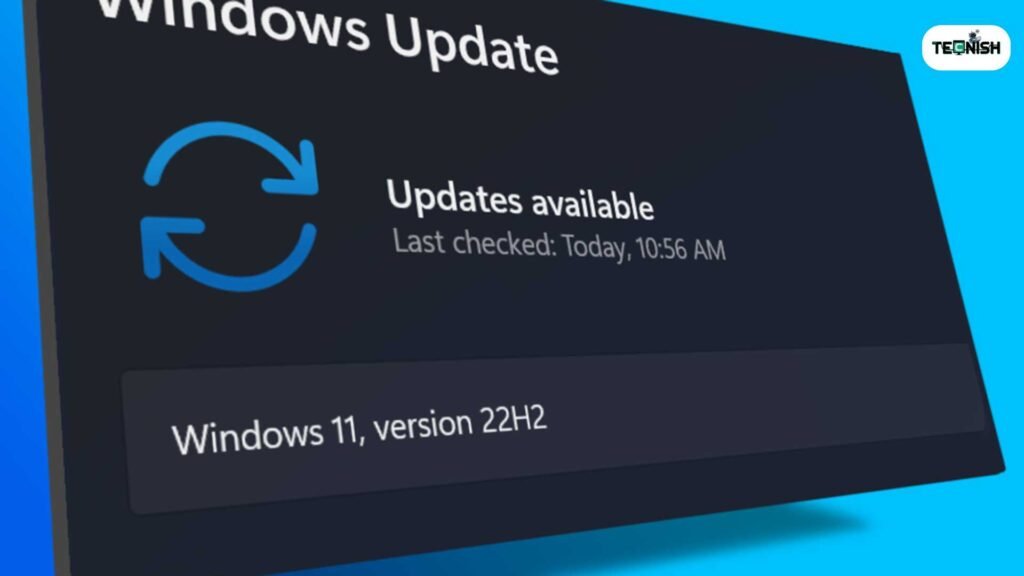
Existing Windows 11 users can access the new Microsoft AI features for Windows for free by navigating to
Settings → Windows Update → Check for Updates.
This Microsoft Windows 11 October 2025 update focuses on global accessibility, with region-specific language packs and cultural adaptations built into the system. Learn more on Tech News.
Privacy, Security, and User Control
As AI in Windows 11 becomes more integrated, Microsoft emphasizes that privacy remains central. Every AI feature, from Copilot Vision to Copilot Actions , is opt-in, meaning users choose what permissions to grant.
The company assures users that Microsoft AI features for Windows are designed following its Responsible AI framework, keeping data secure and compliant with international privacy standards like GDPR.
Industry Reaction and Expert Insights
Industry analysts have praised how Microsoft Launches New AI Upgrades to Windows 11 has redefined desktop AI. They note that these upgrades position Microsoft as a leader in intelligent computing , surpassing competing systems in personalized AI integration.
“This is Microsoft’s most ambitious step toward everyday AI,” said Lina Roberts, senior analyst at Cloud Insights. “Copilot in Windows 11 isn’t just an assistant , it’s the backbone of the modern digital workspace.”
Experts agree that with the Microsoft Copilot update and Microsoft 365 AI integration, the company is creating a connected ecosystem across devices and services that enhances both work and play.
For more expert insights, visit Tecnish.
What This Means for Users
For end users, these updates mean simpler workflows, smarter recommendations, and a more personalized experience.
The new Windows 11 AI-powered assistant understands context, automates routine actions, and boosts performance. Whether it’s creating a presentation, replying to emails, or managing daily tasks, AI in Windows 11 now adapts to your habits and preferences.
These improvements highlight Microsoft’s shift from just providing software to creating an intelligent operating environment that learns and evolves with you.
How to Enable Copilot on Windows 11
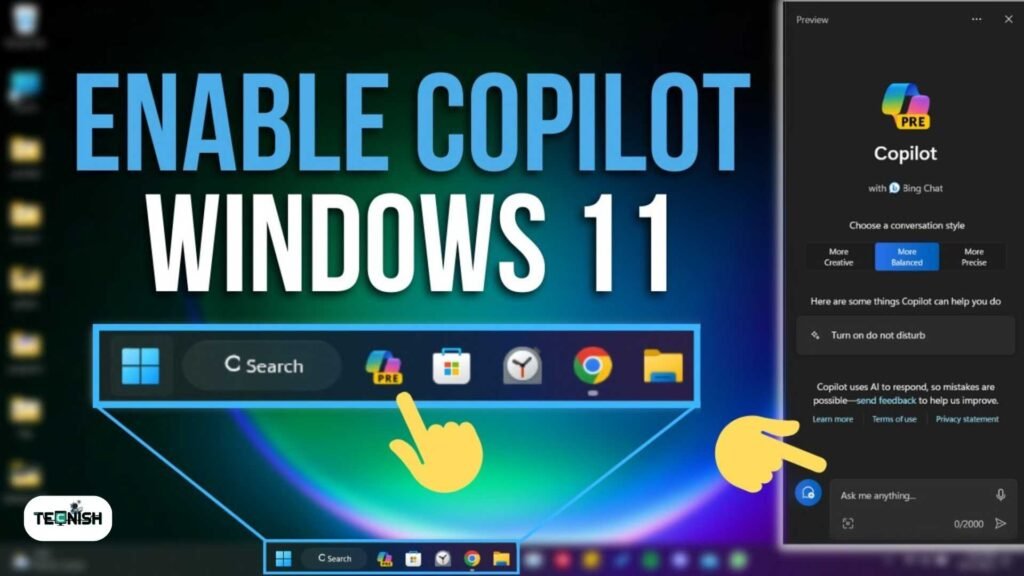
- Open Settings on your Windows 11 device.
- Go to Windows Update → Check for updates.
- Install the Microsoft Windows 11 October 2025 update.
- Once installed, open Copilot and enable features like Voice Activation and Vision under AI Settings.
For more details you can read Geekflair’s latest article.
Following these steps ensures you get the full benefit of the Windows 11 AI update, including smarter task management and improved Windows 11 productivity tools. For a detailed guide, visit Tech News.
Quick Summary
| Feature | Description | Availability |
| “Hey Copilot” | Voice-activated AI assistant | Global rollout |
| Copilot Vision | AI that understands screen content | All Copilot-supported markets |
| Copilot Actions | Automates user tasks and schedules | Opt-in, permission-based |
| Gaming Copilot | Provides in-game support and suggestions | Windows 11 and Xbox platforms |
Conclusion
Microsoft Launches New AI Upgrades to Windows 11, marking a major leap in the company’s push to make AI accessible for everyone.
With this Windows 11 AI update, Microsoft brings powerful AI tools directly to users’ fingertips , blending intelligence, productivity, and privacy into a unified experience. From Microsoft 365 AI integration to enhanced Windows 11 Copilot features, the system is now smarter, more personal, and ready for the next generation of computing.
For millions of users worldwide, AI in Windows 11 is no longer the future; it’s already here.
FAQs
1. What is the Microsoft Windows 11 October 2025 update?
It’s the latest Windows 11 AI update that enhances Copilot in Windows 11 with smarter AI tools and new productivity features.
2. How do I enable Copilot on Windows 11?
Go to Settings → Windows Update → Check for updates, then activate the Windows 11 AI-powered assistant features.
3. Is the Windows 11 AI update free for users?
Yes, all Windows 11 users can download the update for free via Windows Update.
4. What new features are included in the Microsoft Copilot update?
It includes Voice Activation, Copilot Vision, Copilot Actions, Gaming Copilot, and integration with Microsoft 365 AI.
5. When will the Windows 11 AI update roll out in the USA?
The Windows 11 AI update in USA is part of the Windows 11 global rollout and will be available in phases over the coming weeks.
If you like this news, then do not forget to leave a reply. For more Insightful Updated Tech News, Visit Tecnish.